

 EN
EN  PL
PL  UK
UK Depending on the type of smartphone you have, download the app from the relevant app store: the App Store or Google Play.


Dołącz do

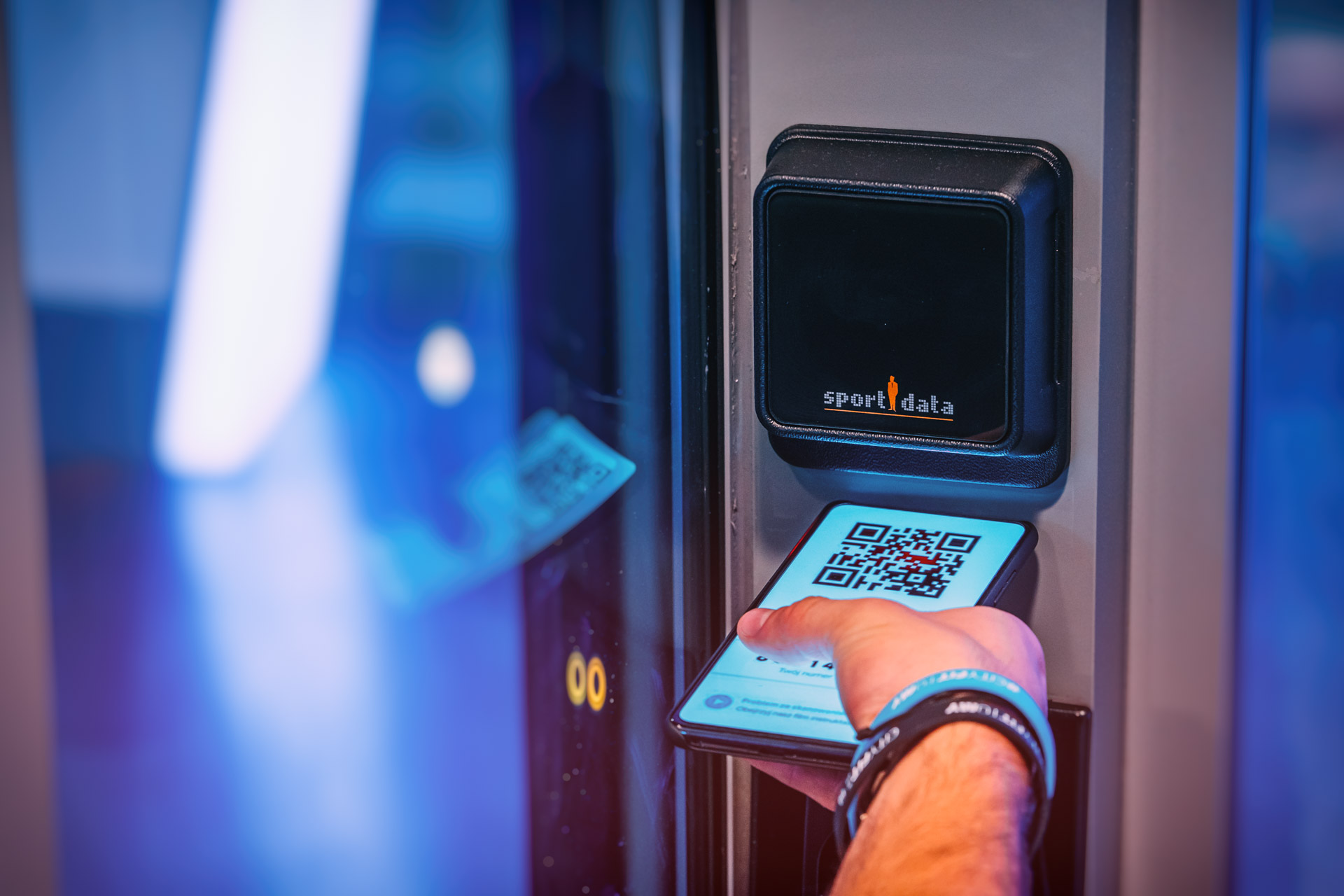
Once you have logged in to the CityFit app, find and click on QR code icon in the bottom right-hand corner of the app. At the top of the screen you will see a QR code; hold the QR code up to the scanner at the entrance gate at a distance of 12–15 cm from the reader. The gates will swing wide open for you as you enter and leave.
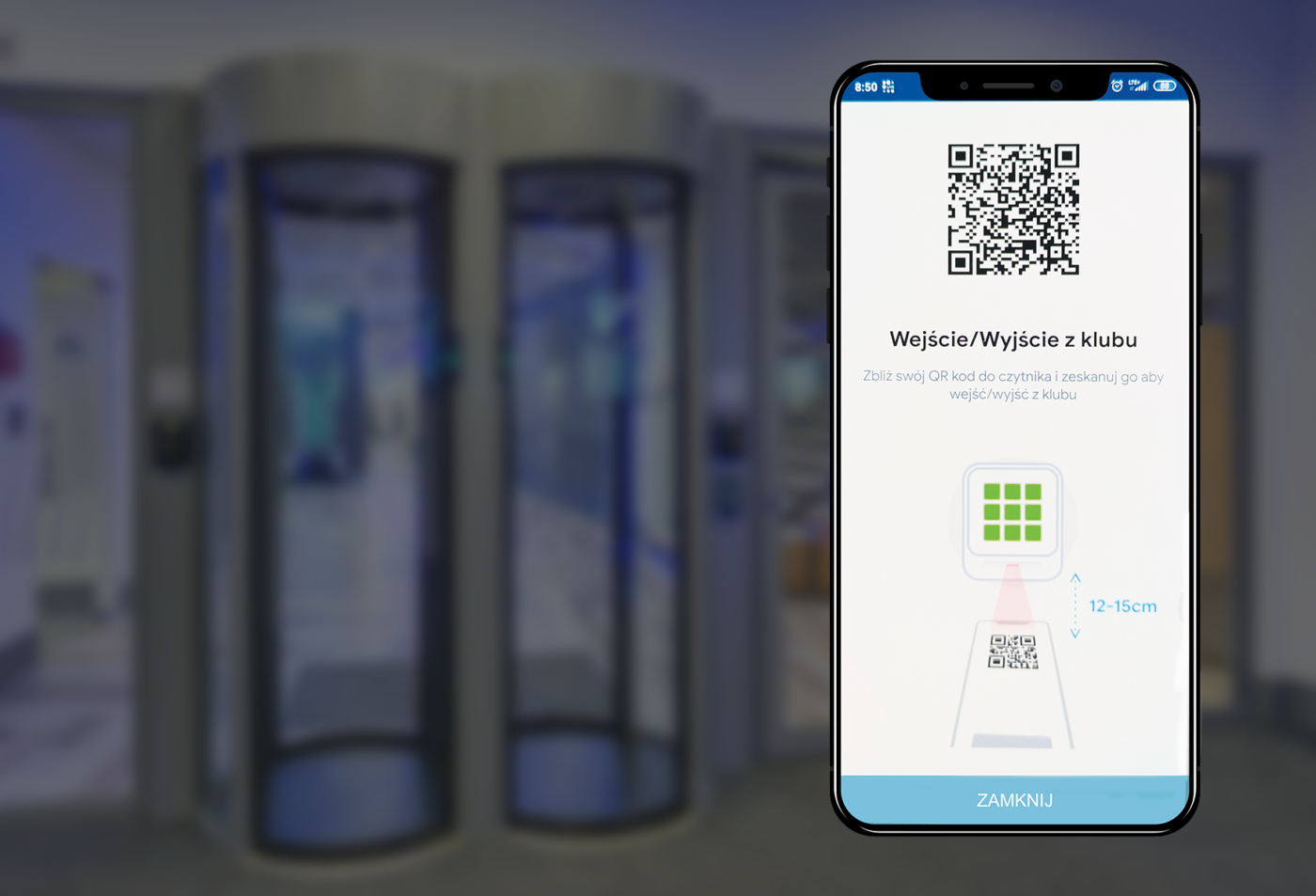

You can gain access to CityFit clubs by scanning the QR code generated in the app. It’s a quick, easy and hassle-free method — no need to scan your fingerprint or remember to bring your membership card.
Renewing, freezing, cancelling and changing your membership type — with the app, you can do all of this in one place. You’ll have full control without having to log in to www.cityfit.pl
Sign up for your favourite classes in just a few seconds. Choose the workout that suits you best, book your place and receive notifications so you don’t miss a thing.
Gain insight into your training habits. Check the number of workouts you’ve completed, your favourite days of the week for exercising, or the total time spent at the gym. It’s the perfect way to get to know your routine better and plan your next gym visits more effectively.
Depending on the type of smartphone you have, download the app from the relevant app store: the App Store or Google Play.